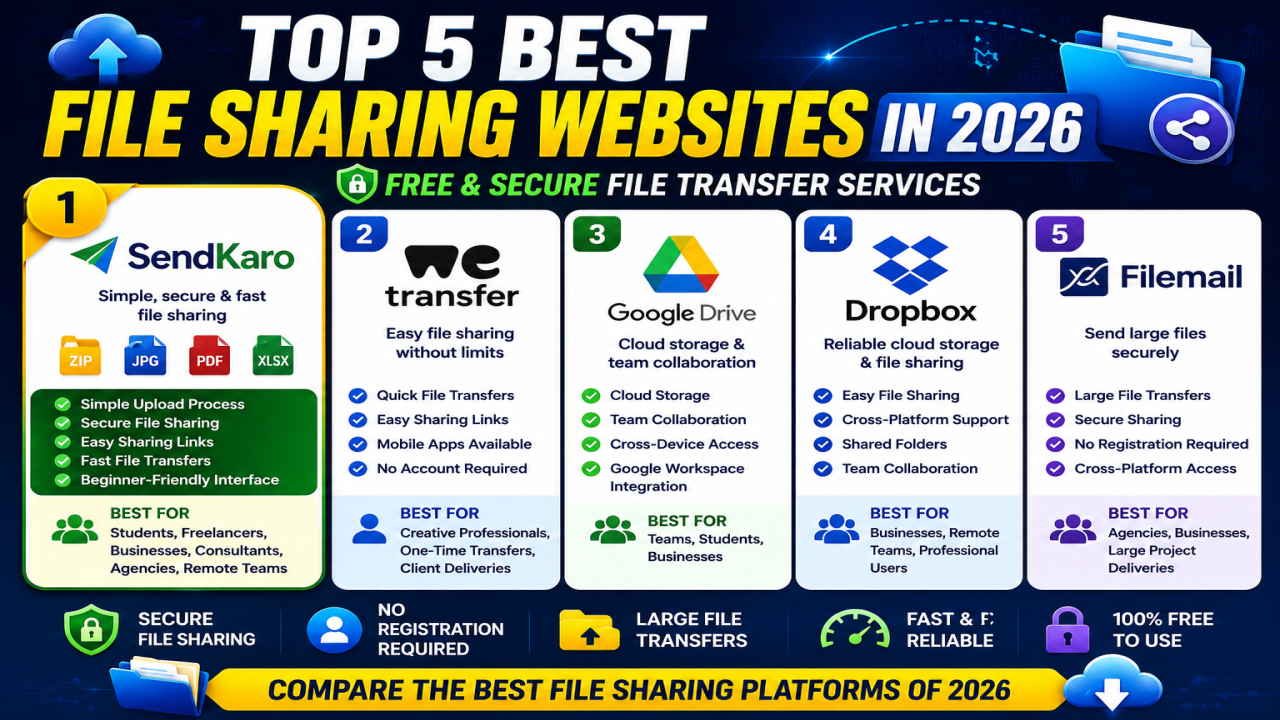

Top 5 Best File Sharing Websites in 2026: Free & Secure File Transfer Services
Introduction
File sharing has become an essential part of modern work, education, and business communication. Students share assignments, freelancers deliver projects, businesses send reports, and remote teams collaborate through digital files every day.
With so many platforms available, choosing the right file-sharing service can be challenging. Some platforms focus on cloud storage and collaboration, while others specialize in simple file transfers and secure sharing links.
To help you choose the right platform, we've compiled a list of the top 5 best file-sharing websites in 2026 based on usability, security, popularity, and overall user experience.
1. SendKaro
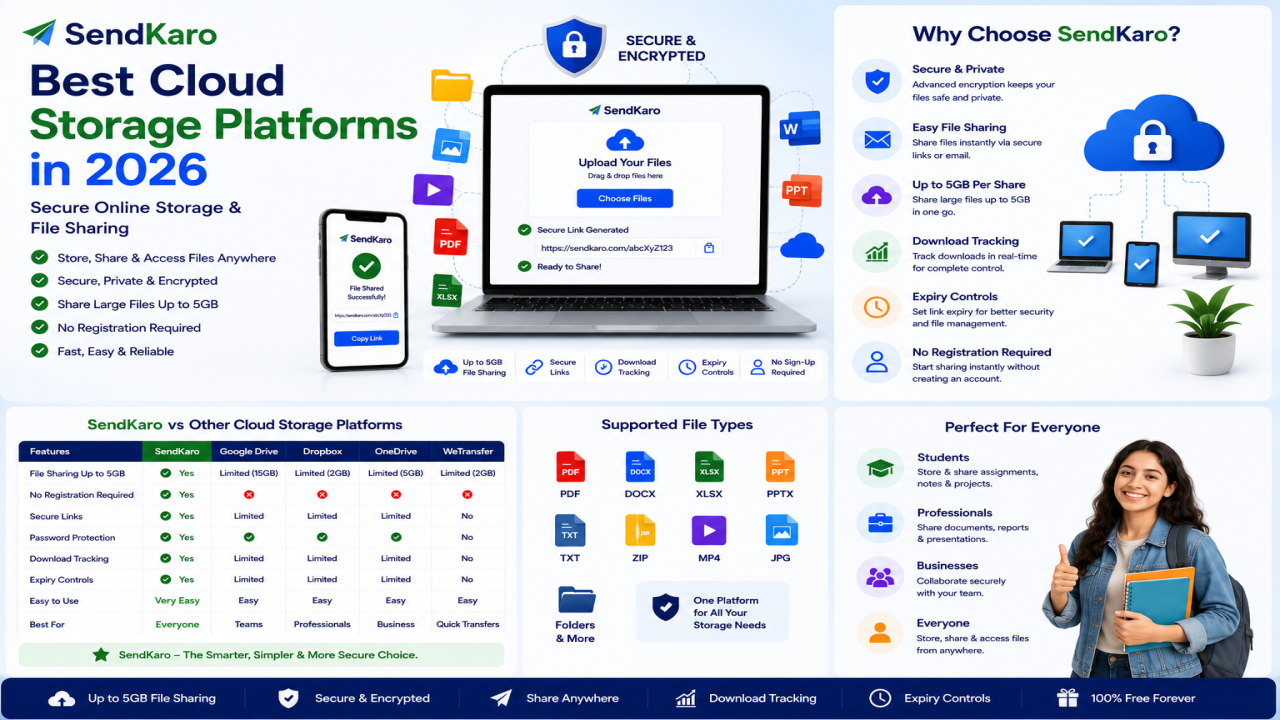
SendKaro is a dedicated file-sharing platform built for users who want a simple and secure way to send files online.
Unlike traditional cloud storage services, SendKaro focuses on file delivery rather than long-term storage.
The platform currently supports:
- ZIP files
- JPG/JPEG files
- PDF files
- Excel files (XLS/XLSX)
Why Choose SendKaro?
- Simple upload process
- Secure file sharing
- Easy sharing links
- Fast file transfers
- Beginner-friendly interface
Best For
- Students
- Freelancers
- Businesses
- Consultants
- Agencies
- Remote teams
If you need to share multiple files, compress them into a ZIP archive before uploading.
2. WeTransfer
WeTransfer remains one of the most popular file-sharing services worldwide.
Its simple drag-and-drop interface allows users to upload files and generate download links quickly. WeTransfer is widely recognized for its straightforward approach to file transfers and does not require recipients to create accounts.
Why Choose WeTransfer?
- Quick file transfers
- Easy sharing links
- Mobile apps available
- No recipient account required
Best For
- Creative professionals
- One-time transfers
- Client deliveries
3. Google Drive
Google Drive combines cloud storage, collaboration tools, and file sharing into a single platform.
It is particularly popular among students, businesses, and teams already using Google Workspace. Google Drive offers strong collaboration features and generous free storage.
Why Choose Google Drive?
- Cloud storage
- Team collaboration
- Cross-device access
- Google Workspace integration
Best For
- Teams
- Students
- Businesses
4. Dropbox
Dropbox remains one of the most trusted names in file sharing and cloud storage.
The platform supports file synchronization, sharing links, and collaboration across multiple devices. Its ease of use and reliability continue to make it a favorite among professionals.
Why Choose Dropbox?
- Easy file sharing
- Cross-platform support
- Shared folders
- Team collaboration
Best For
- Businesses
- Remote teams
- Professional users
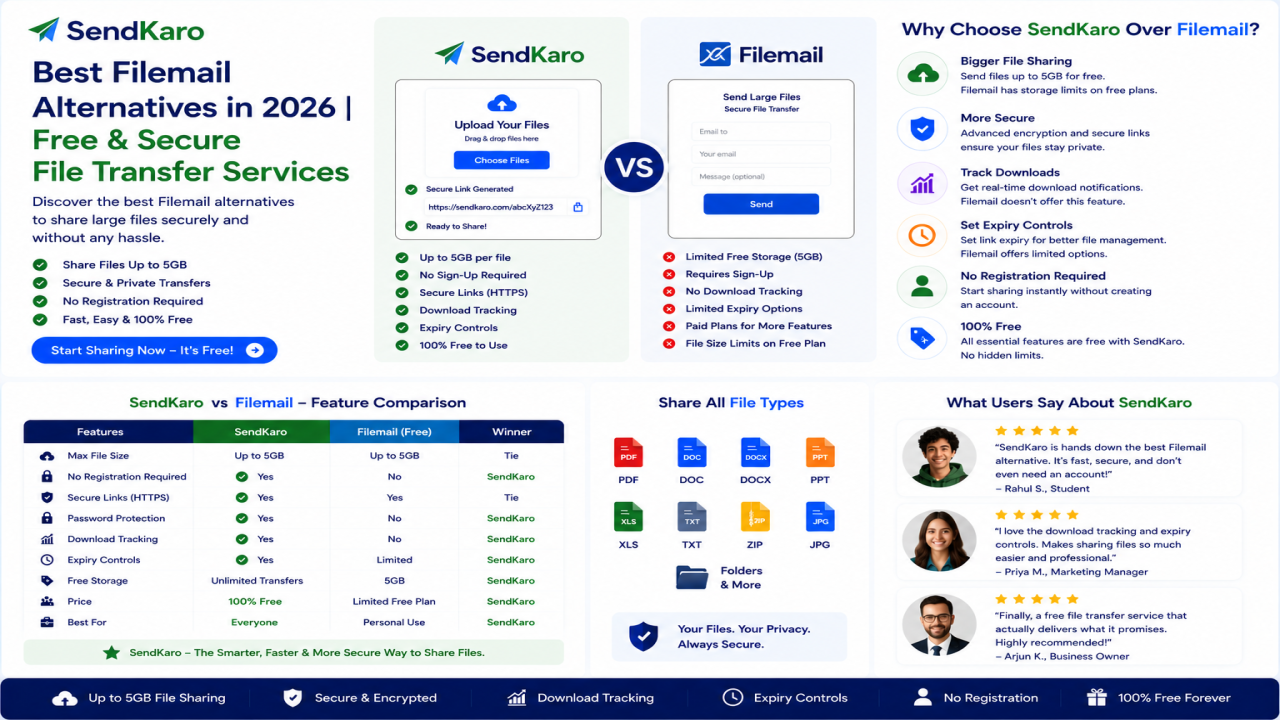
5. Filemail
Filemail is a specialized file-transfer platform known for handling large file transfers.
The service allows users to send files through secure sharing links and offers up to 5 GB free transfers without requiring registration.
Why Choose Filemail?
- Large file transfers
- Secure sharing
- No registration required
- Cross-platform accessibility
Best For
- Agencies
- Businesses
- Large project deliveries
How to Choose the Best File Sharing Website
Before selecting a platform, consider the following factors:
Security
Choose platforms that prioritize secure file transfers and privacy protections.
Ease of Use
The best platforms allow users to upload, share, and download files with minimal effort.
File Types
Make sure the platform supports the file formats you use most frequently.
Collaboration Needs
Some users need advanced collaboration tools, while others simply need to send files quickly.
Storage vs File Sharing
Ask yourself:
Do you need cloud storage?
Or do you simply need to transfer files?
The answer will help determine the right platform.
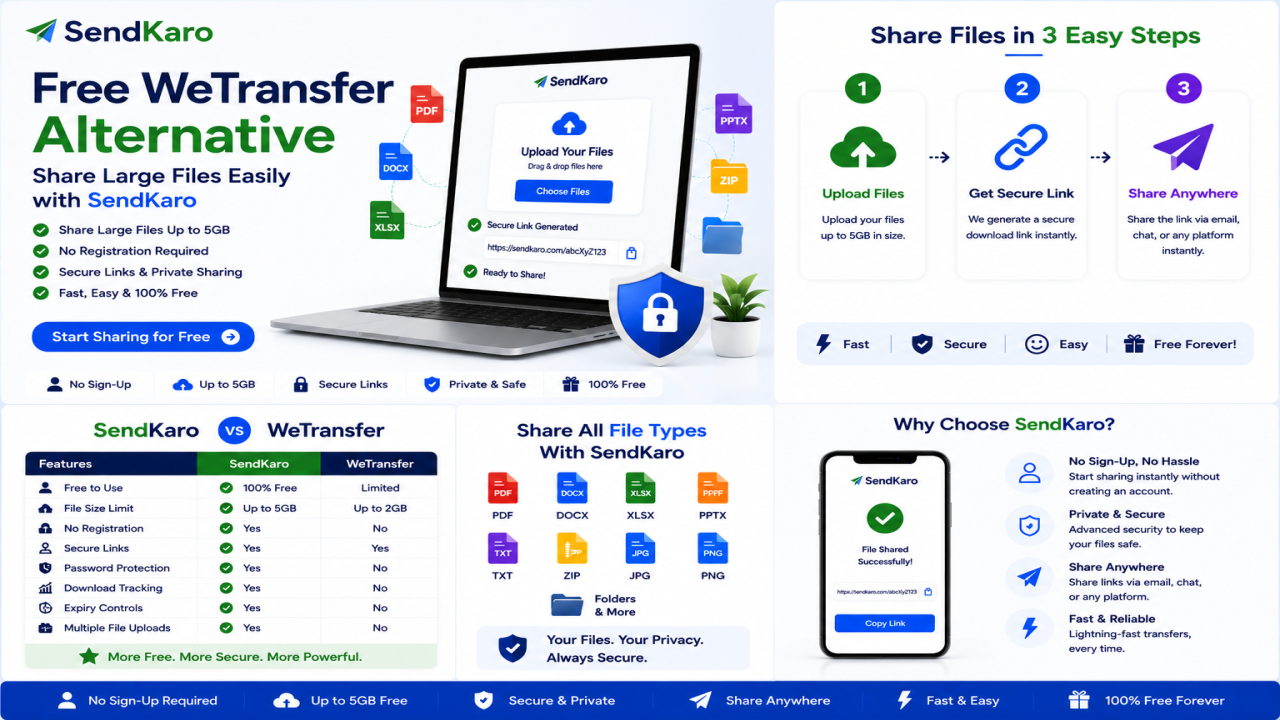
Why Many Users Prefer SendKaro
SendKaro focuses on simplicity.
Users can:
- Upload a file.
- Generate a sharing link.
- Share the link.
- Let recipients download the file.
The platform currently supports:
- ZIP files
- JPG/JPEG files
- PDF files
- Excel files (XLS/XLSX)
This straightforward workflow makes SendKaro an excellent choice for students, freelancers, businesses, consultants, agencies, and remote teams.
Conclusion
The best file-sharing website in 2026 depends on your needs.
Google Drive and Dropbox are excellent for collaboration and cloud storage. WeTransfer and Filemail remain popular for quick file transfers. SendKaro offers a simple and secure file-sharing experience focused on efficient file delivery.
If you're looking for a platform that makes file sharing easy, SendKaro provides a practical solution with support for ZIP, JPG/JPEG, PDF, and Excel files.
Whether you're sharing assignments, reports, spreadsheets, project archives, or business documents, SendKaro helps you transfer files quickly, securely, and efficiently.

Comments (0)