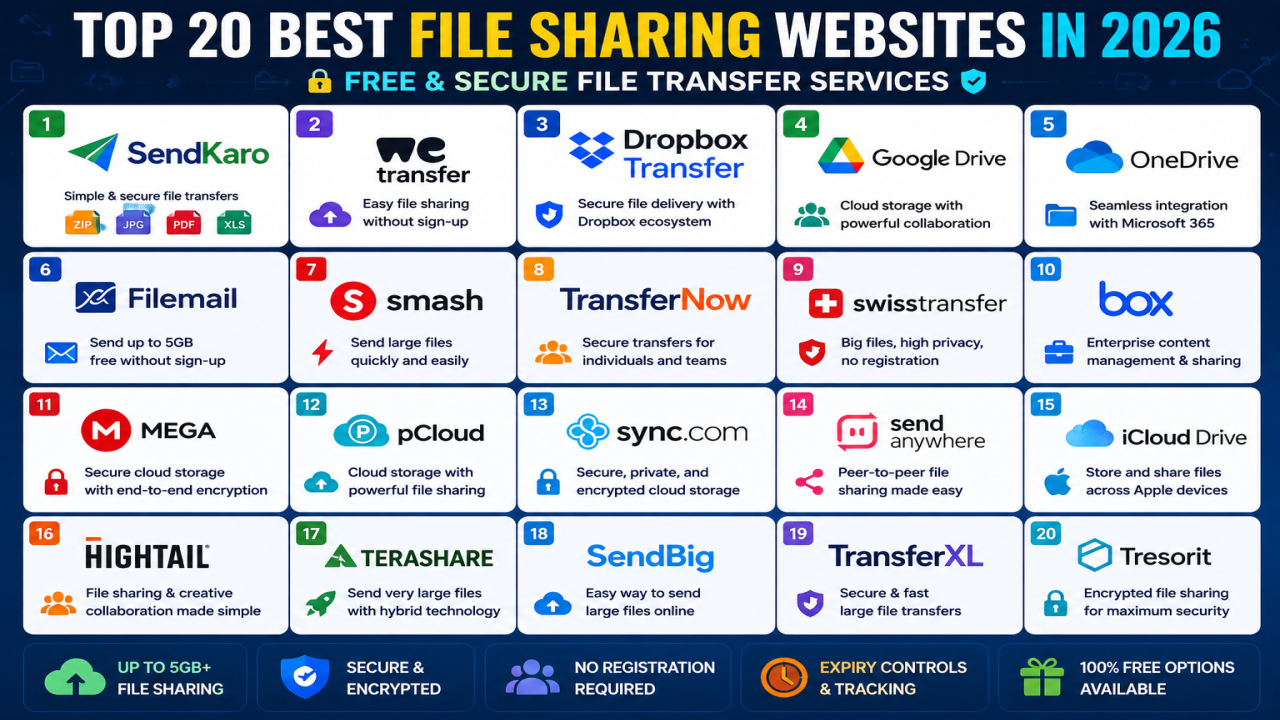

Top 20 Best File Sharing Websites in 2026: Free & Secure File Transfer Services
Introduction
File sharing has become a core part of modern communication. Whether you're a student sharing assignments, a freelancer delivering client work, a business sending reports, or an agency transferring project files, choosing the right file-sharing platform can save time and improve productivity.
In 2026, users have more options than ever. Some platforms focus on large file transfers, others on cloud storage and collaboration, while some specialize in secure file delivery. The best choice depends on your workflow, security requirements, and the types of files you share.
This guide highlights 20 of the best file-sharing websites available in 2026.
1. SendKaro
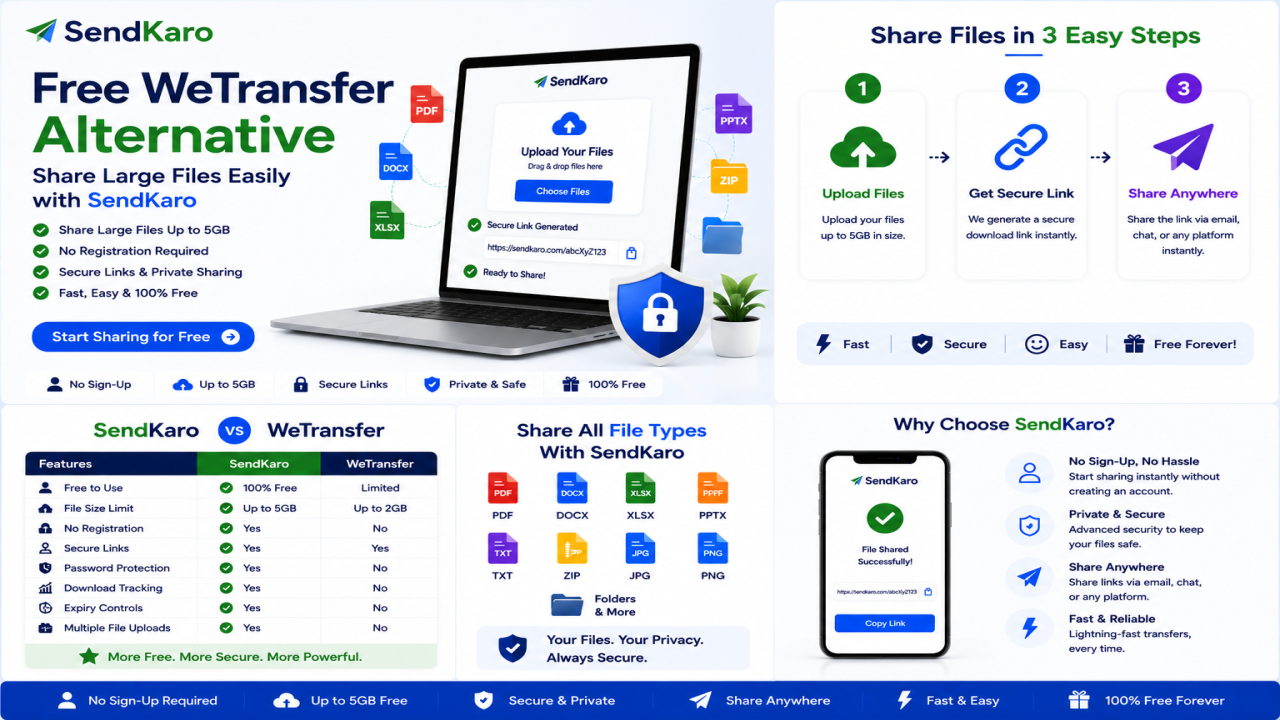
SendKaro is a dedicated file-sharing platform designed for simple and secure file transfers.
The platform currently supports:
- ZIP files
- JPG/JPEG files
- PDF files
- Excel files (XLS/XLSX)
SendKaro focuses on helping users upload files, generate sharing links, and send files quickly without unnecessary complexity.
Best for:
- Students
- Freelancers
- Businesses
- Consultants
- Agencies
2. WeTransfer
WeTransfer remains one of the most recognized file-sharing services in the world.
Its popularity comes from its simple upload-and-share workflow and easy-to-use interface. WeTransfer allows users to send files without requiring recipients to create accounts.
Best for:
- Casual file sharing
- Client deliveries
- Creative professionals
3. Dropbox Transfer
Dropbox Transfer focuses on secure file delivery while leveraging the Dropbox ecosystem.
The service allows large file transfers and includes features such as password protection and expiration settings.
Best for:
- Businesses
- Creative teams
- Dropbox users
4. Google Drive
Google Drive combines cloud storage with file sharing and collaboration tools.
It remains one of the most widely used platforms globally.
Best for:
- Collaboration
- Students
- Teams
5. Microsoft OneDrive
OneDrive integrates closely with Microsoft 365 and is popular among business users.
It combines cloud storage with document sharing and synchronization features.
Best for:
- Microsoft users
- Businesses
- Remote teams
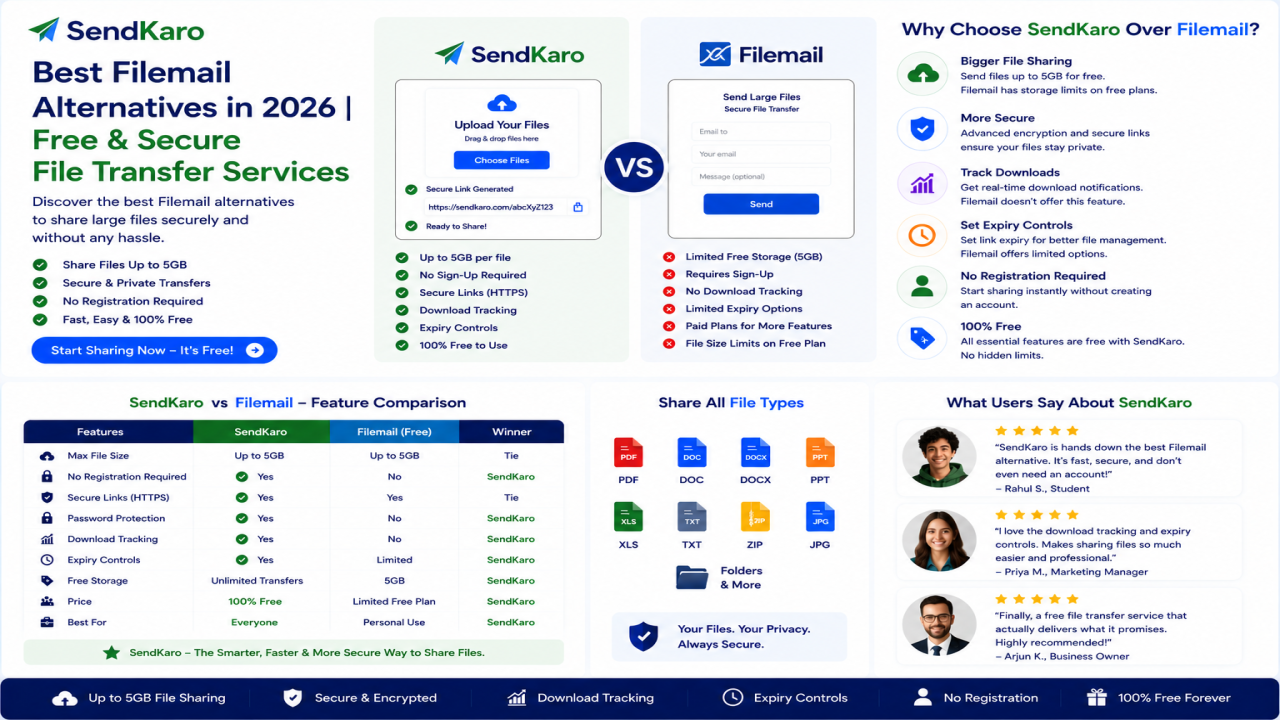
6. Filemail
Filemail is a dedicated file-transfer platform known for supporting large file transfers.
The service allows users to send files through email or secure sharing links. Filemail offers up to 5 GB free transfers without registration.
Best for:
- Large file transfers
- Business users
- Agencies
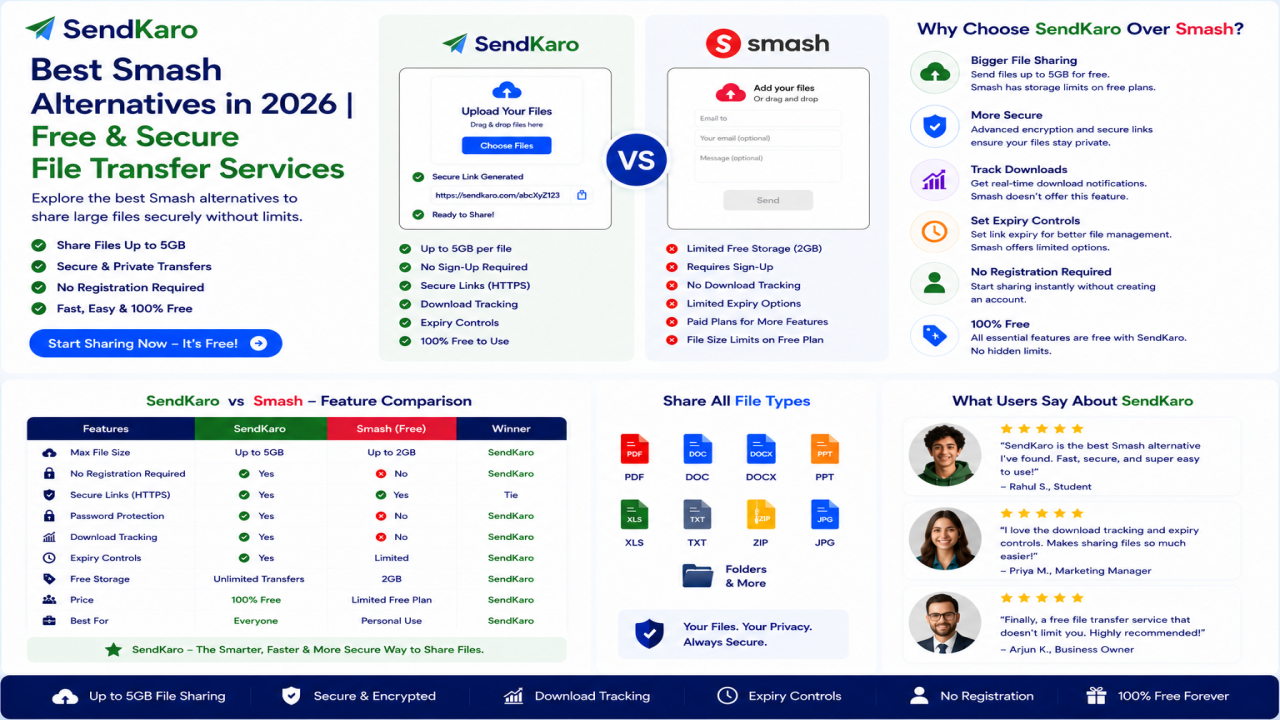
7. Smash
Smash has become one of the most popular alternatives to WeTransfer.
It is known for its focus on large file sharing and a simple sharing experience.
Best for:
- Creative professionals
- Agencies
- Large file transfers
8. TransferNow
TransferNow offers secure file transfers with a user-friendly interface.
The platform allows free transfers and provides additional business-focused features for teams.
Best for:
- Businesses
- Consultants
- Large file sharing
9. SwissTransfer
SwissTransfer has gained popularity because of its generous transfer limits and privacy-focused approach.
Users can transfer files without registration, and the service supports large transfers.
Best for:
- Large transfers
- Privacy-conscious users
10. Box
Box is a cloud-based content management and file-sharing platform widely used by enterprises.
Best for:
- Enterprise collaboration
- Document management
- Business workflows
11. MEGA
MEGA focuses heavily on privacy and security.
It combines cloud storage and file sharing within a security-focused environment.
Best for:
- Privacy-conscious users
- Secure storage
12. pCloud
pCloud is a cloud storage service that also provides file-sharing capabilities.
It is known for its storage plans and security features.
Best for:
- Long-term storage
- Personal users
- Businesses
13. Sync.com
Sync.com is popular among users who prioritize privacy and secure cloud storage.
Its strong focus on encryption has helped it build a loyal user base.
Best for:
- Secure storage
- Teams
- Businesses
14. Send Anywhere
Send Anywhere provides peer-to-peer file sharing and direct file transfers.
It is commonly used for transferring files between devices.
Best for:
- Device-to-device sharing
- Mobile users
15. iCloud Drive
Apple's cloud storage solution allows users to store and share files across Apple devices.
Best for:
- Apple users
- Personal file sharing
16. Hightail
Hightail focuses on file sharing and creative collaboration.
It is commonly used by teams working on creative projects.
Best for:
- Creative professionals
- Marketing teams
17. Terashare
Terashare uses a hybrid approach combining peer-to-peer technology with cloud delivery.
It is often used for transferring very large files.
Best for:
- Large files
- Technical users
18. SendBig
SendBig is a file-transfer platform designed for sharing large files online.
It is frequently mentioned among popular file-sharing alternatives.
Best for:
- Large file transfers
- Occasional users
19. TransferXL
TransferXL is a secure file-transfer service that supports large file sharing.
It is often compared with WeTransfer and Filemail.
Best for:
- Secure transfers
- Business users
20. Tresorit
Tresorit focuses on security and encrypted file sharing.
It is frequently used by organizations with strict security requirements.
Best for:
- Secure document sharing
- Business environments
How to Choose the Best File Sharing Website
Consider the following factors:
Security
Choose platforms that prioritize secure file transfers and privacy.
Ease of Use
The best platforms make it simple to upload, share, and download files.
File Size Requirements
Some services focus on large file transfers while others prioritize storage and collaboration.
Collaboration Features
If you work with teams, consider platforms that support collaborative workflows.
Storage vs File Sharing
Ask yourself:
Do you need long-term storage?
Or do you simply need to send files?
If your primary goal is file transfer, a dedicated file-sharing platform may provide a better experience.
Why Many Users Choose SendKaro
SendKaro focuses specifically on file sharing.
The platform currently supports:
- ZIP files
- JPG/JPEG files
- PDF files
- Excel files (XLS/XLSX)
Users can:
- Upload a file.
- Generate a sharing link.
- Send the link.
- Let recipients download the file.
If you need to share multiple files, compress them into a ZIP archive before uploading.
This simple workflow makes SendKaro a practical choice for students, freelancers, businesses, agencies, consultants, and remote teams.
Conclusion
The best file-sharing website in 2026 depends on your specific needs.
Platforms such as WeTransfer, Dropbox Transfer, Google Drive, OneDrive, Filemail, Smash, TransferNow, SwissTransfer, Box, and MEGA continue to serve millions of users worldwide.
However, if you're looking for a straightforward file-sharing platform focused on secure file transfers, SendKaro offers a simple solution.
With support for ZIP files, JPG/JPEG images, PDF documents, and Excel spreadsheets (XLS/XLSX), SendKaro helps users share files quickly, securely, and efficiently.


Comments (0)