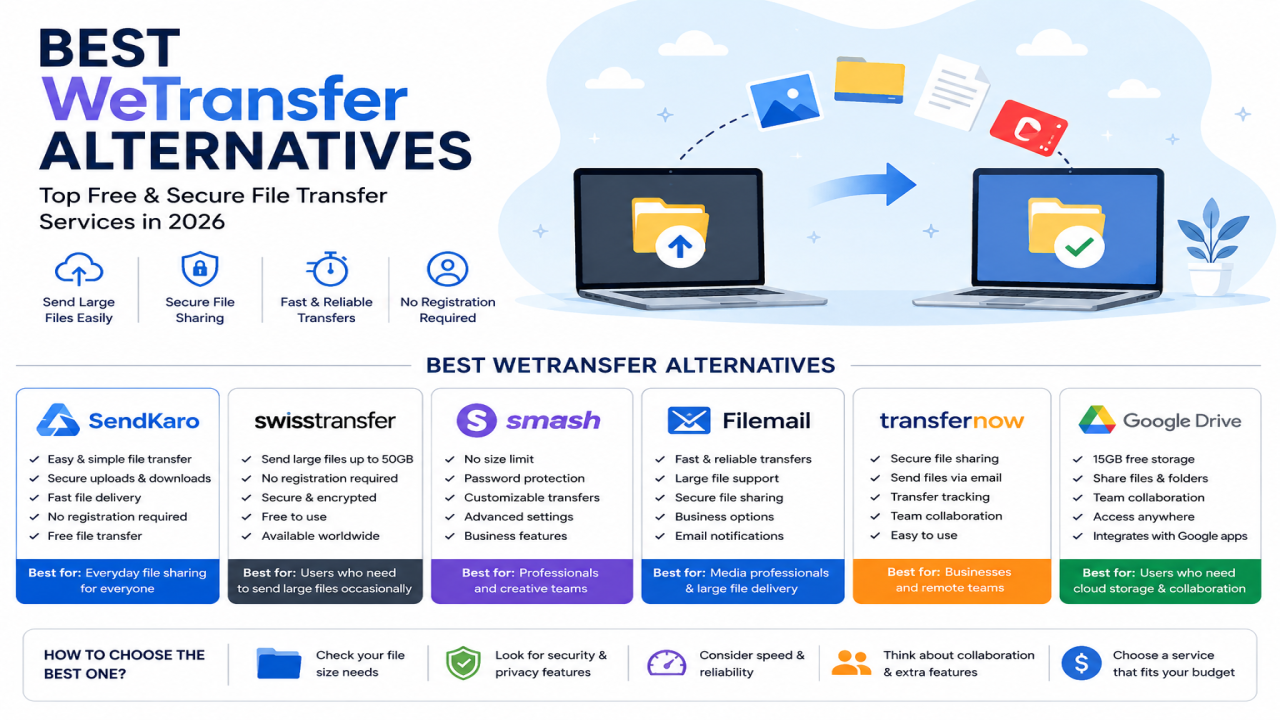

Best WeTransfer Alternatives in 2026: Free & Secure File Transfer Services
Introduction
File sharing has become an essential part of everyday work, education, and business communication. Whether you're sending a PDF report to a client, sharing an Excel spreadsheet with your team, delivering a ZIP archive containing project files, or transferring JPG images to customers, you need a file transfer service that is fast, secure, and easy to use.
For years, WeTransfer has been one of the most popular file-sharing platforms. Its simple upload-and-share approach made it a favorite among freelancers, students, businesses, and agencies.
However, WeTransfer is no longer the only option.
Today, users have access to many file-sharing services that offer different workflows, security approaches, and user experiences. As a result, many people are searching for the best WeTransfer alternatives in 2026.
In this guide, we'll explore some of the most popular alternatives and help you determine which solution is right for your needs.
Why People Look for WeTransfer Alternatives
WeTransfer remains a widely used platform, but different users have different requirements.
Common reasons people look for alternatives include:
-
Different file-sharing workflows
-
Security preferences
-
Business requirements
-
Team collaboration needs
-
Simpler user experiences
-
Alternative pricing models
-
Large file transfer requirements
The ideal platform depends on how you use file sharing in your daily workflow.
What Makes a Good File Transfer Service?
Before choosing an alternative, it's important to understand what matters most in a file-sharing platform.
Ease of Use
The platform should make it easy to:
-
Upload files
-
Generate sharing links
-
Share files with recipients
Security
Secure file transfer helps protect important documents and sensitive information.
Accessibility
Users should be able to access the service from:
-
Desktop computers
-
Laptops
-
Tablets
-
Smartphones
Fast Transfers
The upload and download experience should be efficient and reliable.
Simple Sharing Experience
Recipients should be able to access files without unnecessary complications.
Best WeTransfer Alternatives in 2026
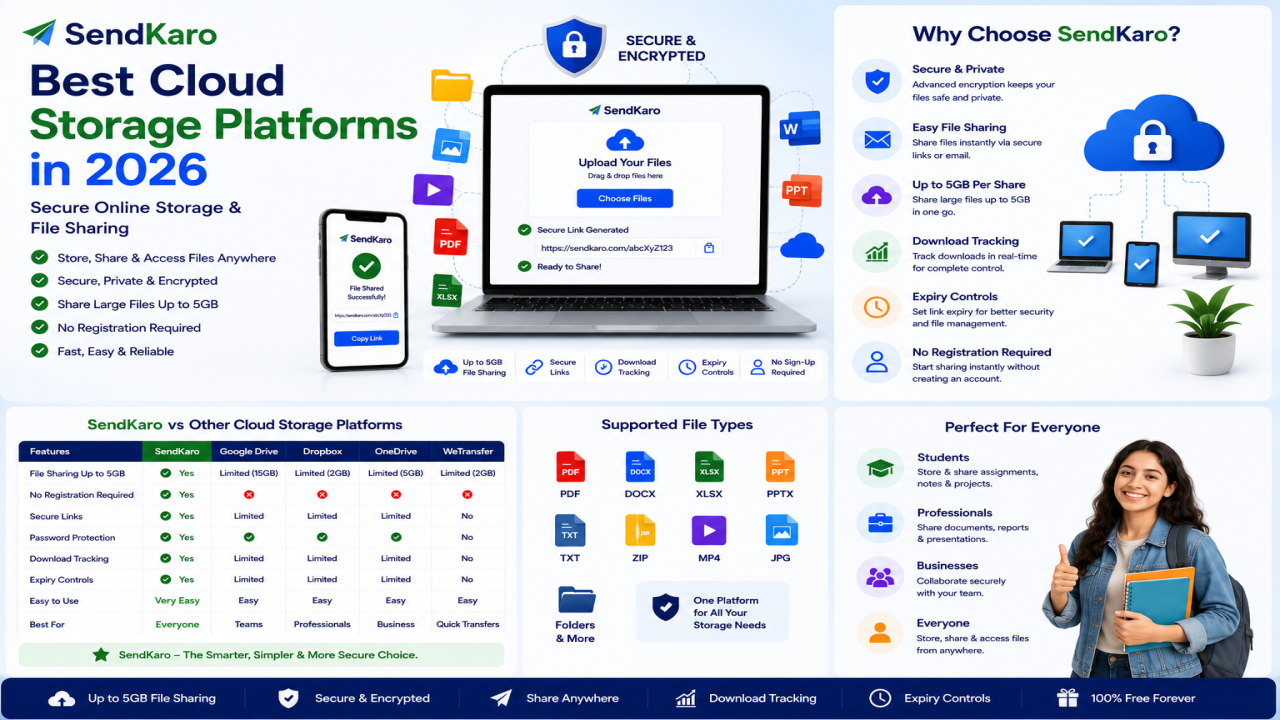
SendKaro
SendKaro is a file-sharing platform designed specifically for secure and efficient file transfers.
Unlike cloud storage platforms, SendKaro focuses on helping users send files online through simple sharing links.
The platform currently supports:
-
ZIP files
-
JPG/JPEG files
-
PDF files
-
Excel files (XLS/XLSX)
Why Choose SendKaro?
Users choose SendKaro because it offers:
-
Simple file sharing
-
Secure file transfers
-
Easy sharing links
-
Fast upload process
-
Beginner-friendly workflow
Common use cases include:
-
Student assignments
-
Research papers
-
Client deliverables
-
Project documentation
-
Business reports
-
Excel spreadsheets
-
ZIP project archives
For users looking for a practical and easy-to-use WeTransfer alternative, SendKaro is a strong option.
Dropbox
Dropbox is one of the most recognized names in cloud storage and file management.
Key strengths include:
-
Cloud storage
-
File synchronization
-
Shared folders
-
Team collaboration
Dropbox is often preferred by users who need long-term storage in addition to file sharing.
Google Drive
Google Drive combines cloud storage with collaboration tools.
Benefits include:
-
Google Workspace integration
-
Cloud-based file storage
-
Team collaboration
-
Shared document editing
It is a popular option for organizations already using Google's ecosystem.
Microsoft OneDrive
OneDrive is Microsoft's cloud storage platform.
Advantages include:
-
Microsoft 365 integration
-
Device synchronization
-
Cloud storage
-
Team collaboration
It is commonly used by businesses and professionals.
MEGA
MEGA is known for its security-focused approach to cloud storage.
Features include:
-
Secure storage
-
File sharing
-
Cross-device access
Users who prioritize privacy often consider MEGA as an alternative.
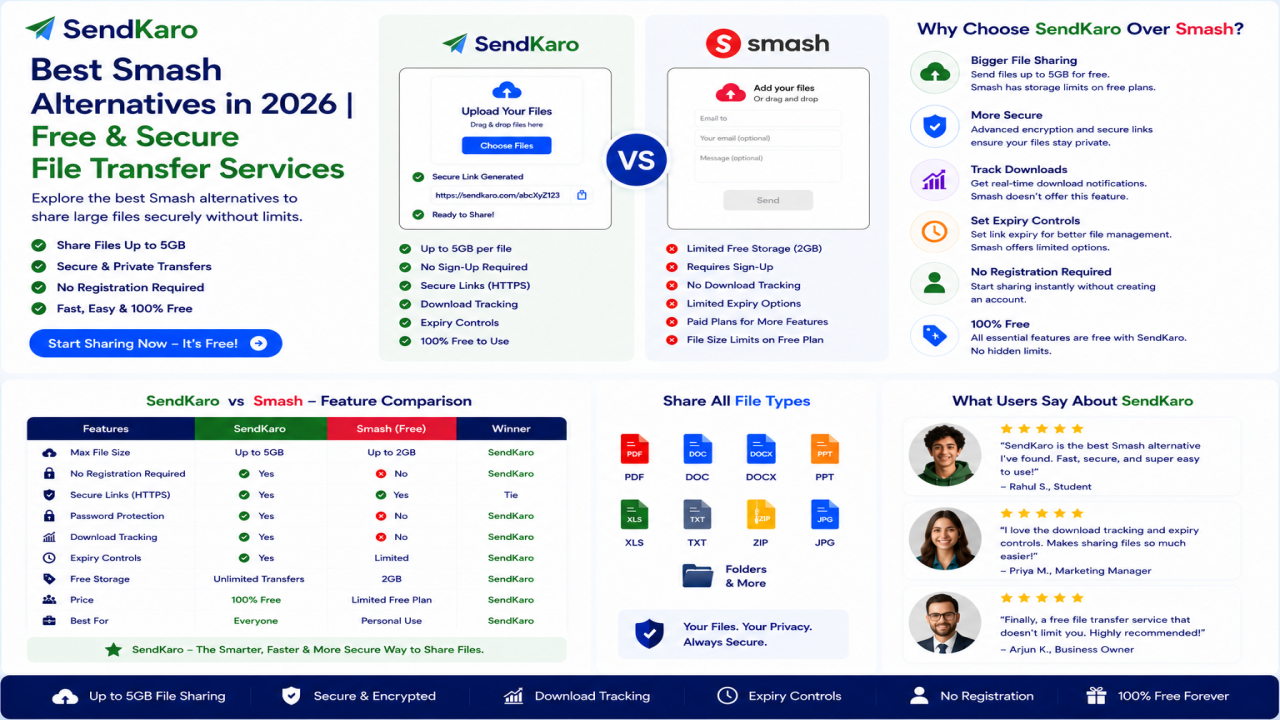
Smash
Smash is a file-sharing platform that focuses on transferring large files.
The service is often compared directly with WeTransfer because of its similar use case.
Users looking for a dedicated file-transfer solution frequently explore Smash as an option.
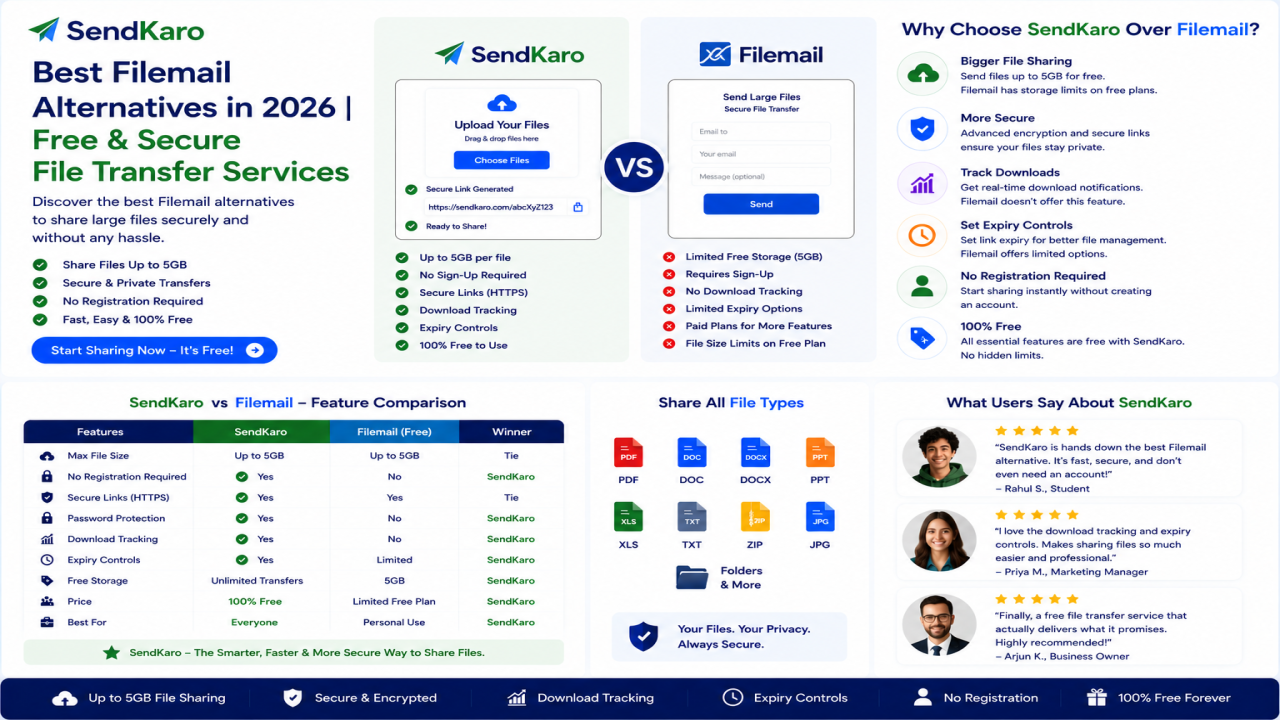
Filemail
Filemail is another popular file-sharing platform designed for transferring large files.
Common use cases include:
-
Business file sharing
-
Project delivery
-
Large document transfers
It is frequently used by professionals who exchange large files regularly.
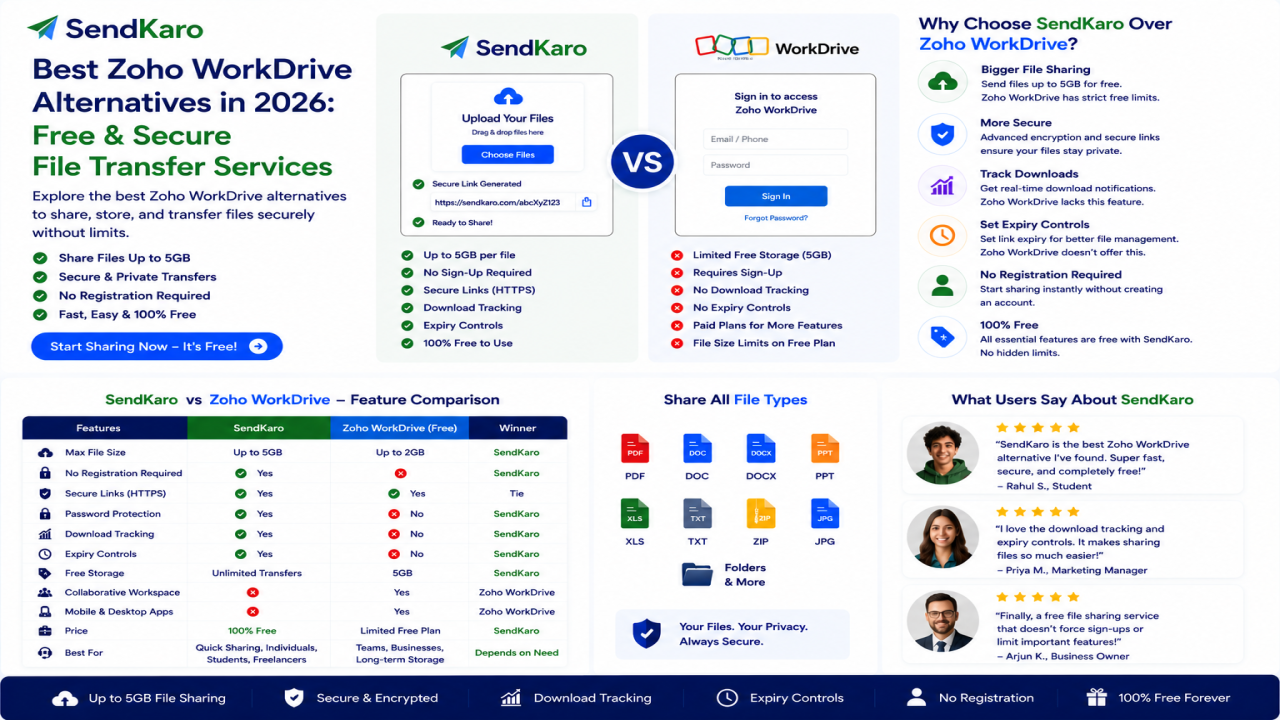
SendKaro vs Other WeTransfer Alternatives
Simplicity
Many platforms combine file sharing with storage, synchronization, and collaboration tools.
SendKaro focuses primarily on file delivery.
This can simplify the user experience.
Secure File Sharing
Security remains a priority for organizations sharing:
-
Contracts
-
Reports
-
Financial spreadsheets
-
Research documents
-
Project archives
SendKaro uses secure file-transfer methods and sharing links to help users transfer files confidently.
Fast Workflow
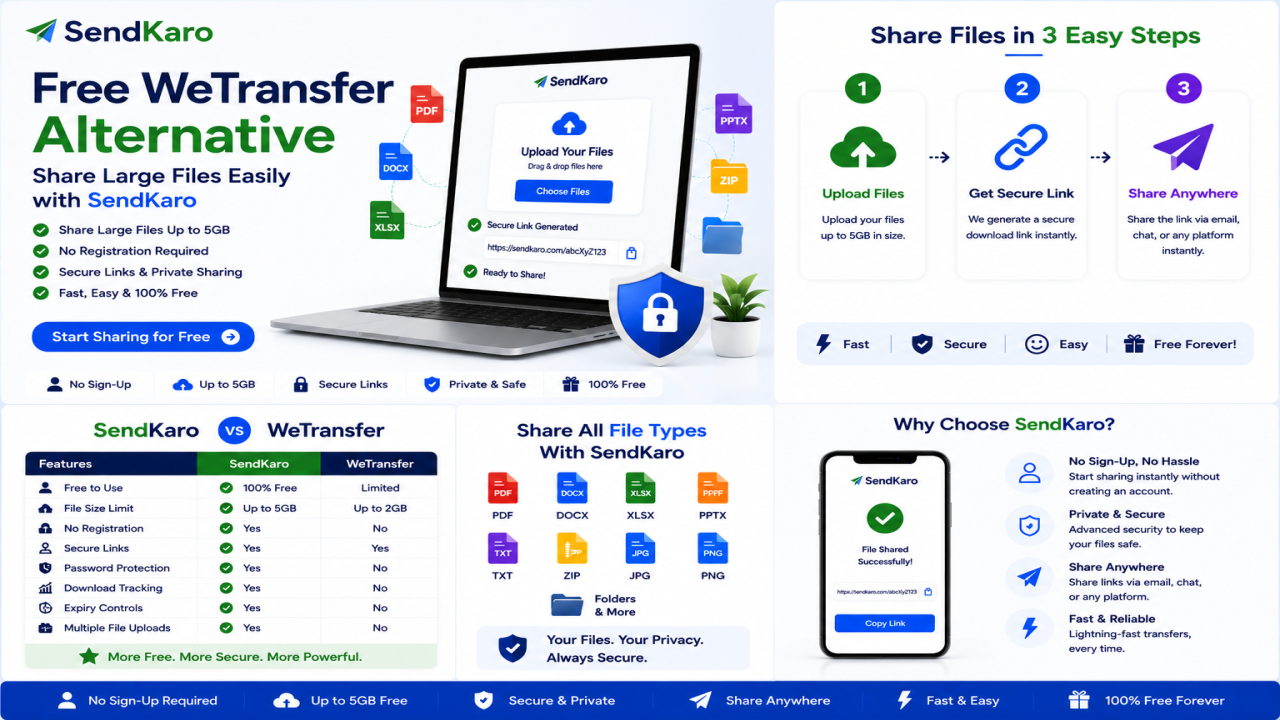
The SendKaro process is straightforward:
-
Select a file.
-
Upload it.
-
Generate a sharing link.
-
Share the link.
-
Recipient downloads the file.
The workflow is designed to reduce complexity and save time.
Supported File Types
SendKaro currently supports:
-
ZIP files
-
JPG/JPEG files
-
PDF files
-
Excel files (XLS/XLSX)
These file types cover many common personal, educational, and business use cases.
How SendKaro Makes File Sharing Easy
Step 1: Choose Your File
Select one of the supported file types:
-
ZIP file
-
JPG/JPEG image
-
PDF document
-
Excel spreadsheet (XLS/XLSX)
Step 2: Upload the File
Upload your file securely.
Step 3: Generate a Sharing Link
Create a secure download link.
Step 4: Share the Link
Send the link through email, messaging apps, or collaboration tools.
Step 5: Recipient Downloads the File
The recipient clicks the link and downloads the file.
If you need to share multiple files, compress them into a ZIP archive before uploading.
Who Should Use SendKaro?
Students
Perfect for:
-
Assignments
-
Research papers
-
PDF submissions
-
Excel projects
Freelancers
Ideal for:
-
Project handovers
-
ZIP project packages
-
Reports
-
Invoices
Businesses
Useful for:
-
Client deliverables
-
Contracts
-
Internal documentation
-
Financial reports
Agencies
Great for:
-
Campaign reports
-
Client assets
-
Performance documentation
Consultants
Transfer reports, spreadsheets, and project files securely.
Remote Teams
Exchange files efficiently across distributed teams.
Benefits of Choosing SendKaro
Many users choose SendKaro because it offers:
-
Secure file sharing
-
Fast transfers
-
Easy onboarding
-
Minimal learning curve
-
Simple workflow
-
Convenient sharing links
-
Cross-device accessibility
These benefits make it a practical choice for users focused on file delivery.
Frequently Asked Questions
What is the best WeTransfer alternative in 2026?
The best choice depends on your needs. Popular options include SendKaro, Dropbox, Google Drive, OneDrive, MEGA, Smash, and Filemail.
Is SendKaro a cloud storage platform?
No. SendKaro is a file-sharing and file-transfer platform rather than a cloud storage service.
What file types does SendKaro support?
SendKaro currently supports ZIP files, JPG/JPEG files, PDF files, and Excel files (XLS/XLSX).
Can I upload multiple files?
Yes. If you need to share multiple files, compress them into a ZIP archive before uploading.
Is SendKaro secure?
Yes. Secure transfer methods and controlled sharing links help protect file transfers.
Can businesses use SendKaro?
Absolutely. Businesses can use SendKaro for reports, contracts, project files, and client deliverables.
Can students use SendKaro?
Yes. Students can use SendKaro for assignments, PDF reports, research papers, and Excel projects.
Why choose SendKaro over other alternatives?
Many users appreciate SendKaro's simple workflow, secure transfers, and focus on efficient file delivery.
Conclusion
The file-sharing landscape continues to evolve, and users now have more choices than ever before.
While WeTransfer remains popular, alternatives such as SendKaro, Dropbox, Google Drive, OneDrive, MEGA, Smash, and Filemail provide different approaches to file sharing and file management.
For users who want a simple and secure way to send files online, SendKaro stands out as a practical solution.
With support for ZIP files, JPG/JPEG images, PDF documents, and Excel spreadsheets (XLS/XLSX), SendKaro helps students, freelancers, businesses, consultants, agencies, and remote teams share files quickly and efficiently.
If you're looking for a reliable file transfer service in 2026, SendKaro is worth considering.

Comments (0)