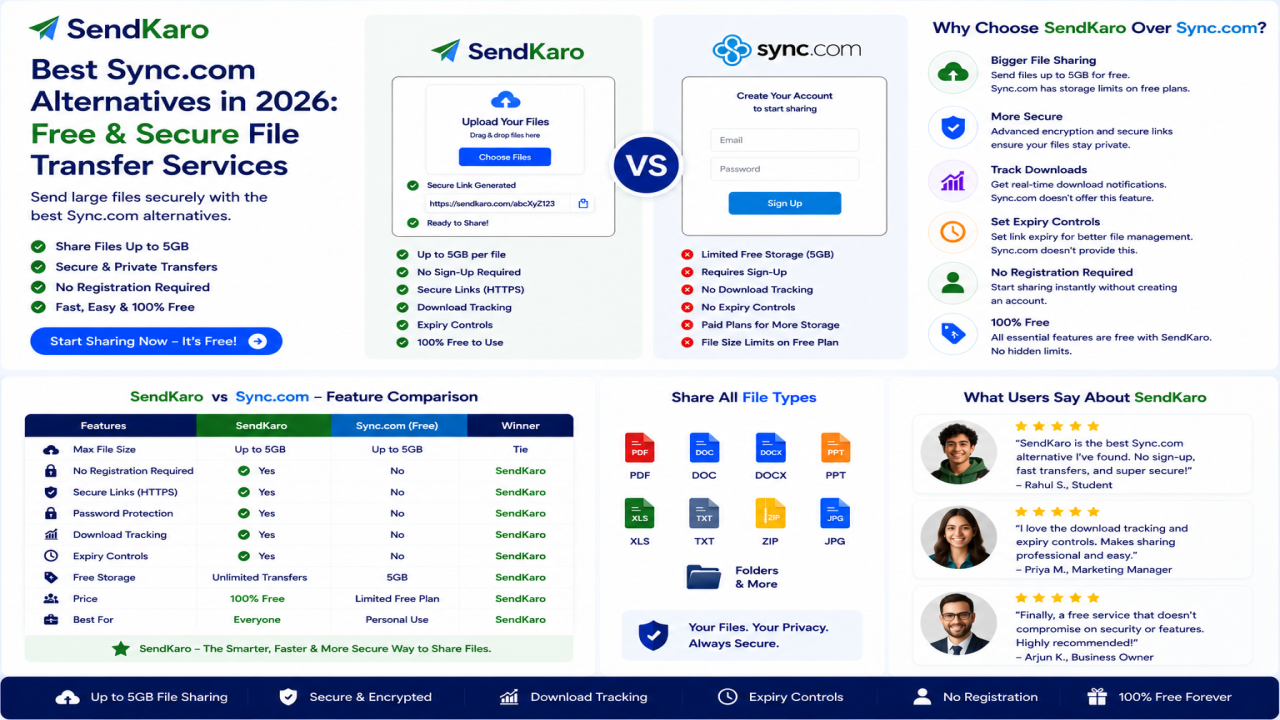

Best Sync.com Alternatives in 2026: Free & Secure File Transfer Services
Introduction
Sync.com has built a strong reputation as a privacy-focused cloud storage provider. Its emphasis on security, encryption, and file synchronization has made it a popular choice among individuals and businesses looking for secure cloud storage solutions. Many reviews highlight Sync.com for its end-to-end encryption and privacy-focused design.
However, not every user needs a cloud storage platform.
Many people simply want a fast and secure way to send files online. Whether you're sharing PDF reports, Excel spreadsheets, ZIP archives, or JPG images, a dedicated file-sharing platform can often provide a simpler and more efficient experience.
This is why many users search for Sync.com alternatives.
In this guide, we'll explore some of the best Sync.com alternatives in 2026 and explain why SendKaro is becoming a practical choice for secure file transfers and online file sharing.
What is Sync.com?
Sync.com is a cloud storage and file synchronization platform that focuses heavily on privacy and security.
The platform is known for:
- End-to-end encryption
- Secure file storage
- Cross-device synchronization
- File sharing
- Team collaboration
- Privacy-focused infrastructure
Many experts consider Sync.com one of the strongest privacy-focused cloud storage providers available today.
Advantages of Sync.com
Some of the biggest strengths of Sync.com include:
- Strong security features
- End-to-end encryption
- File synchronization
- Team sharing tools
- Privacy-focused design
Limitations of Sync.com
Despite its strengths, some users explore alternatives because they need:
- Simpler file sharing workflows
- Different collaboration features
- Alternative pricing options
- Dedicated file-transfer services
- Faster file-delivery experiences
For users who primarily send files rather than manage cloud storage, a file-sharing platform may be a better fit.
Why Users Look for Sync.com Alternatives
File Transfer Instead of Storage
Many users don't need long-term cloud storage.
They simply want to send files quickly and securely.
Simpler User Experience
Cloud storage platforms often require users to:
- Manage folders
- Organize storage
- Configure permissions
- Monitor storage limits
A dedicated file-sharing platform can simplify this process.
Business Requirements
Businesses frequently exchange:
- Contracts
- Reports
- Documentation
- Financial spreadsheets
- Client deliverables
A streamlined file-sharing workflow can improve productivity.
Different Collaboration Preferences
Some users prefer simple file delivery rather than ongoing collaboration systems.
Cost Considerations
Users sometimes pay for storage features they rarely use.
A file-transfer platform may provide better value when storage isn't the primary need.
Best Sync.com Alternatives in 2026
SendKaro
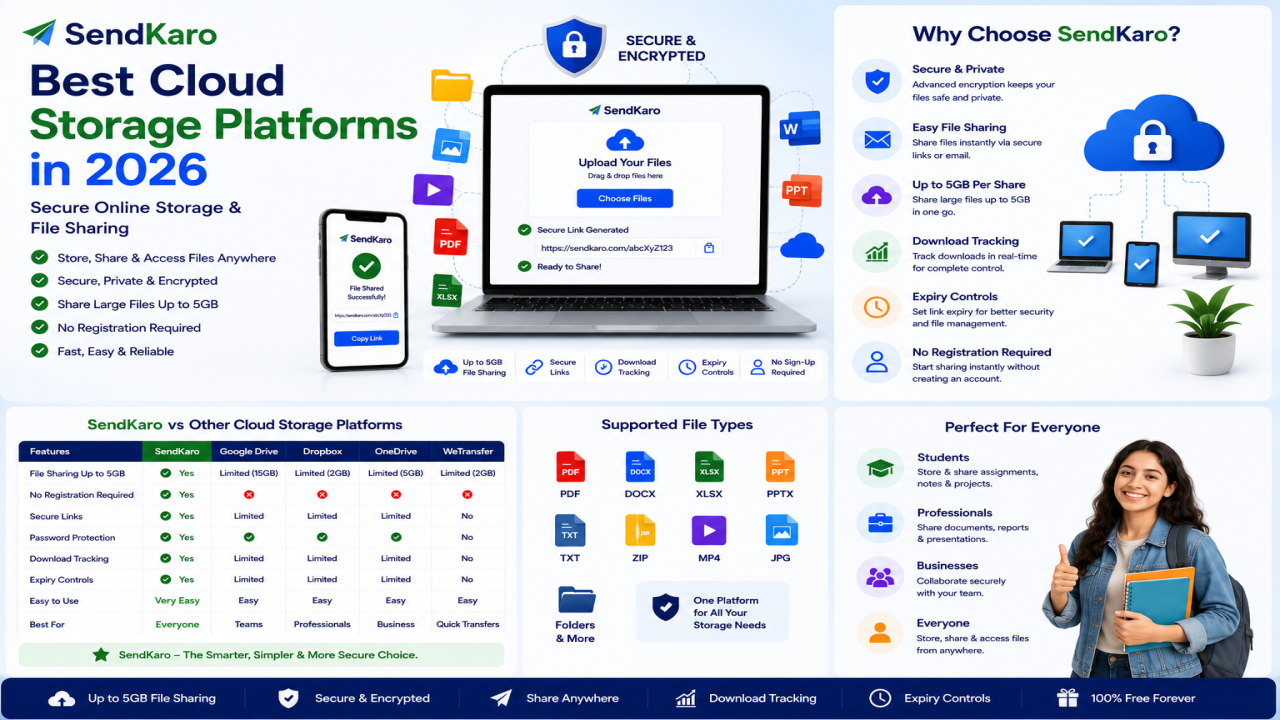
SendKaro is a file-sharing platform designed specifically for secure file transfers.
Unlike cloud storage providers, SendKaro focuses on helping users send files online through simple sharing links.
The platform currently supports:
- ZIP files
- JPG/JPEG files
- PDF files
- Excel files (XLS/XLSX)
Users choose SendKaro because it offers:
- Secure file sharing
- Fast transfers
- Easy sharing links
- Simple workflow
- Beginner-friendly experience
Google Drive
Google Drive remains one of the most widely used cloud storage platforms thanks to its integration with Google Workspace and collaboration tools. It is frequently recommended as a Sync.com alternative.
Microsoft OneDrive
OneDrive integrates closely with Microsoft 365 and remains a popular option for business users who rely on Microsoft's ecosystem.
Dropbox
Dropbox continues to be a leading cloud storage and file-sharing platform known for synchronization and collaboration features.
Box
Box remains a strong enterprise-focused solution for organizations requiring collaboration and document management features.
MEGA
MEGA is often chosen by users who prioritize privacy and encrypted storage solutions.
pCloud
pCloud remains a popular cloud storage provider due to its security features, file-sharing capabilities, and long-term storage options.
Why SendKaro is Different
Many alternatives focus on cloud storage.
SendKaro focuses on file sharing.
Instead of managing folders, storage plans, synchronization settings, and collaboration tools, users can simply upload a file and share it.
This makes SendKaro particularly useful for:
- Students
- Freelancers
- Businesses
- Agencies
- Consultants
- Remote teams
Supported File Types
SendKaro currently supports:
ZIP Files
Ideal for project archives and sharing multiple files together.
JPG/JPEG Files
Perfect for photographers, designers, and content creators.
PDF Files
Useful for reports, contracts, research papers, and documentation.
Excel Files (XLS/XLSX)
Great for financial reports, project tracking, and business analysis.
ZIP-Based Multi-File Sharing
Need to share multiple files?
Compress them into a ZIP archive before uploading.
Benefits include:
- Better organization
- Easier downloads
- Cleaner file management
- Single-link sharing
This is especially useful for project submissions, business documentation, and client deliverables.
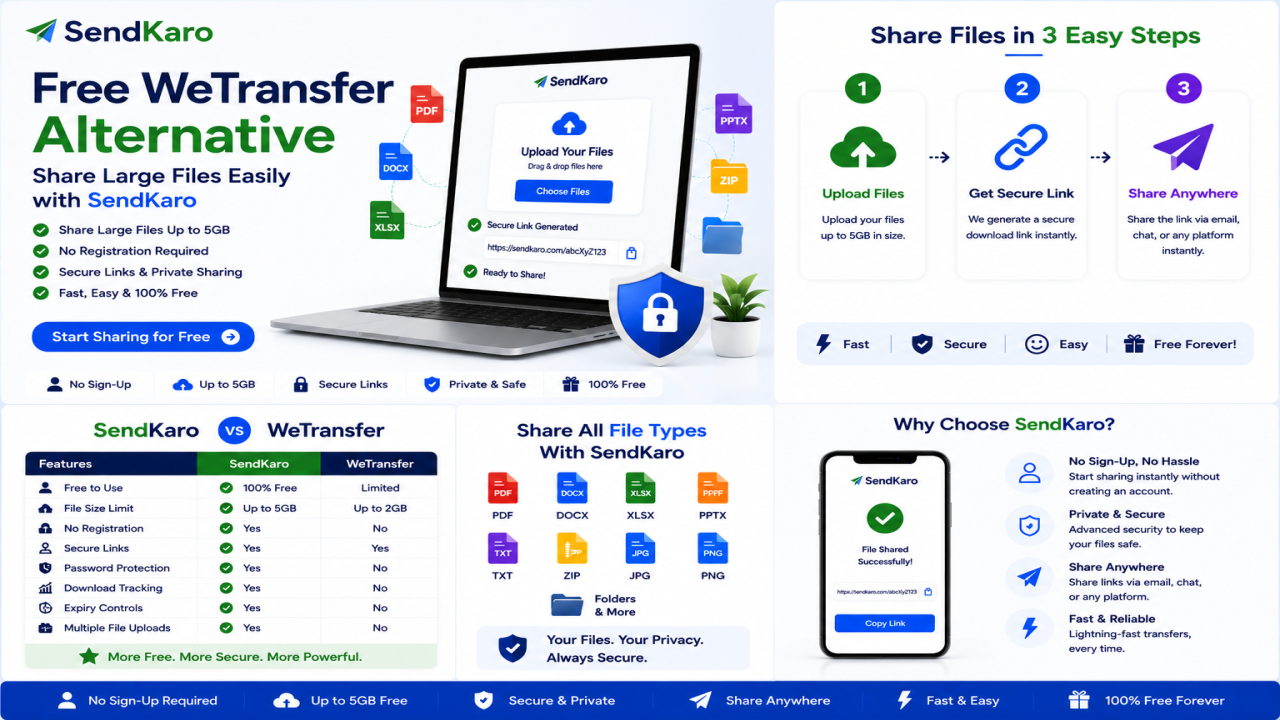
How SendKaro Works
Step 1
Select your file.
Step 2
Upload it securely.
Step 3
Generate a sharing link.
Step 4
Send the link.
Step 5
The recipient downloads the file.
The process is simple and requires no technical expertise.
Who Should Use SendKaro?
Students
Perfect for:
- Assignments
- Research papers
- PDF submissions
- Excel projects
Freelancers
Useful for:
- Project handovers
- ZIP project packages
- Reports
- Invoices
Businesses
Ideal for:
- Contracts
- Client deliverables
- Financial reports
- Internal documentation
Agencies
Great for:
- Campaign reports
- Client assets
- Shared resources
Consultants
Transfer reports, spreadsheets, and project documentation securely.
Remote Teams
Exchange files quickly across distributed teams.
Frequently Asked Questions
What is the best Sync.com alternative in 2026?
Popular alternatives include SendKaro, Google Drive, Dropbox, OneDrive, Box, MEGA, and pCloud. The best option depends on whether you need cloud storage or simple file sharing.
Is SendKaro cloud storage?
No. SendKaro is a file-sharing and file-transfer platform rather than a cloud storage service.
What file types does SendKaro support?
SendKaro currently supports ZIP files, JPG/JPEG files, PDF files, and Excel files (XLS/XLSX).
Can I upload multiple files?
Yes. If you need to share multiple files, compress them into a ZIP archive before uploading.
Is SendKaro secure?
Yes. Secure transfer methods and controlled sharing links help protect file transfers.
Can businesses use SendKaro?
Absolutely. Businesses can use SendKaro for contracts, reports, documentation, and client deliverables.
Can students use SendKaro?
Yes. Students can use SendKaro for assignments, PDF reports, research papers, and Excel projects.
Why choose SendKaro over cloud storage services?
Users who primarily need file sharing often prefer a dedicated file-transfer platform rather than managing cloud storage features.
Conclusion
Sync.com remains a strong cloud storage provider, particularly for users who prioritize privacy and encryption. However, not everyone needs cloud storage and synchronization features. Many users simply need a secure and efficient way to send files online.
That's why alternatives such as Google Drive, Dropbox, OneDrive, Box, MEGA, pCloud, and SendKaro continue to attract users in 2026.
For users focused on file transfers rather than long-term storage, SendKaro offers a straightforward solution.
With support for ZIP files, JPG/JPEG images, PDF documents, and Excel spreadsheets (XLS/XLSX), SendKaro helps students, freelancers, businesses, consultants, agencies, and remote teams share files quickly, securely, and efficiently.

Comments (0)